
Releasing a License Activation
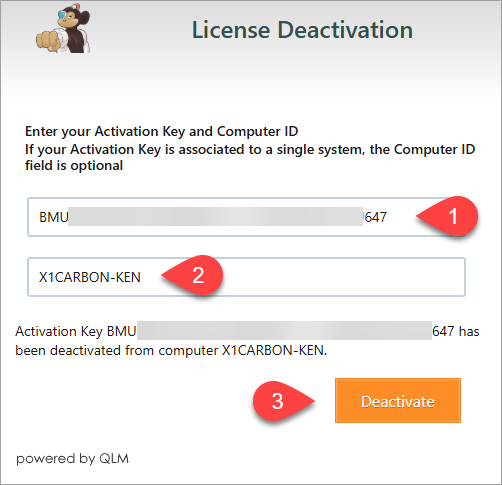
Process Overview Each Monkey Tools license purchase comes with 3 activations with the philosophy that we want you to be able to install it at work, at home and on your laptop. But what happens when you then move to a new computer? The purpose of this article is to help you release old activations […]
Activating Your License
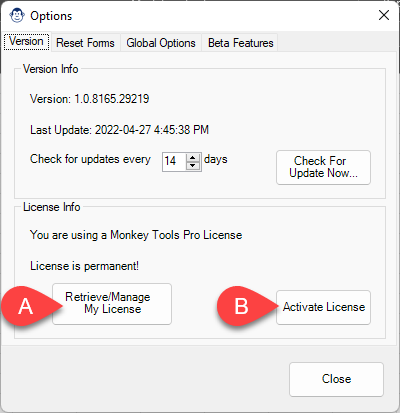
Process Overview Activating your Pro (or Trial) license should be easy, and we’ve set Monkey Tools in a way that we hope makes this as painless as possible. The quick overview of the steps needed to activate your license are: Launch Excel Go to Monkey Tools -> Options Monkey Click Activate License Paste your License […]