
Table Monkey
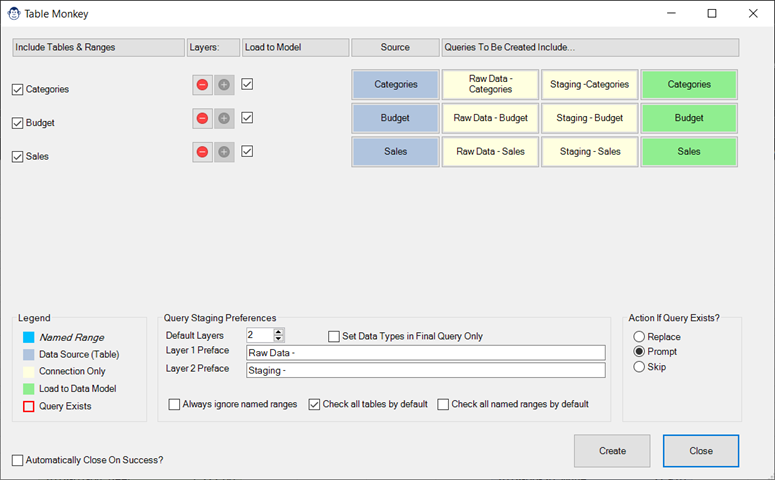
Coming Soon! Sorry, but this article isn’t quite ready yet. We promise that we’re working on it! In the mean time – until we get this article updated – you can see how it works in a demo that Ken did for the KSA Excel Meetup group: https://youtu.be/FxwCtWN0uTs Share: Facebook Twitter LinkedIn Related Posts
SmartFolder Monkey

Article Overview One of our favourite tricks is to create a “From Folder” solution which avoids hard-coding a file path, instead pulling it dynamically via our fnGetParameter setup. The issue is that this creates a link to either a local or SharePoint / OneDrive for Business folder. However, this causes problems when you open the file in […]
Create Query from M Code
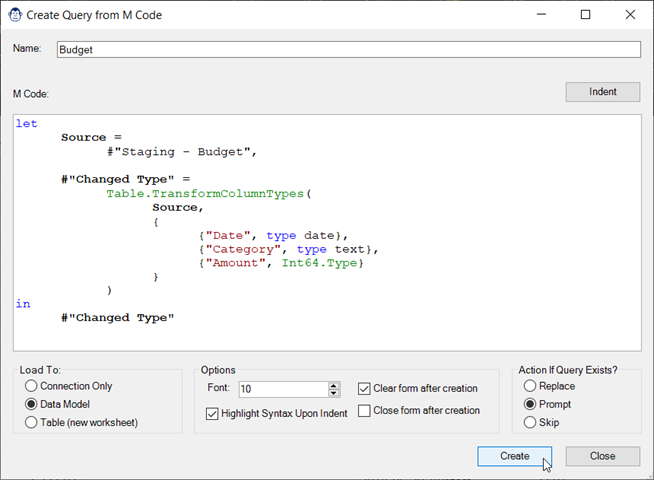
Article Overview One of the things that we do at Monkey Tools is help people with questions in forums. When someone provides us with an M code sample, it has always been a bit painful to get it set up: Create a new blank query, go to the Advanced Editor, paste in their code, save […]
Smart Folder Function
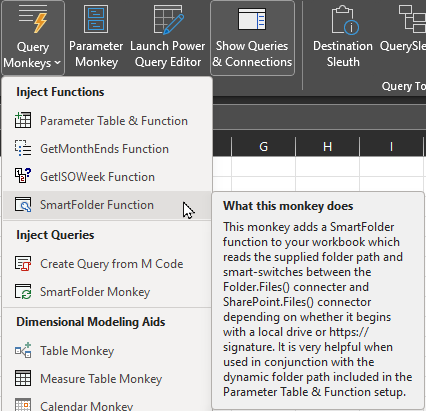
Article Overview If you save your files into folders that sync to OneDrive for Business or SharePoint, you’ll know the pain that happens if you try to reference a folder based on the path returned by the CELL() function… The SmartFolder function provides the answer to that problem, as you can pass it either a […]
Smart File Function
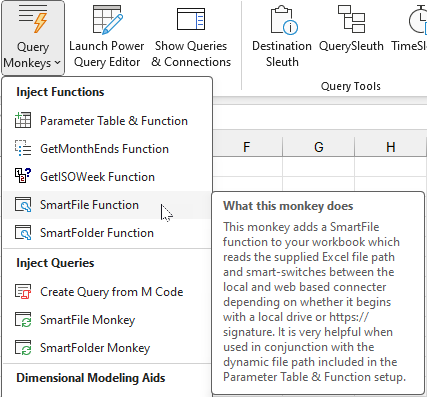
Article Overview You’ve built an amazing query to connect to a file and clean it up, only to find that when you share the solution the path to the file changes. In simple cases it is just a local file path that changes – and the worst cases it switches between a local file path […]
Get ISO Week Function
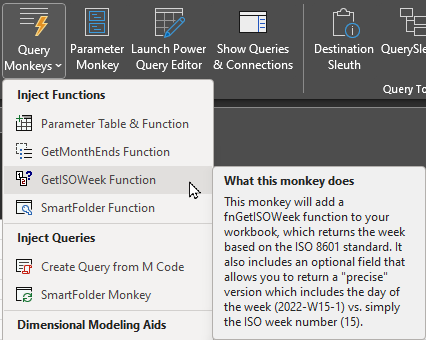
Article Overview We heard from some of our European friends that they are not fans of the North American week numbering systems. While Power Query has a “week number” function, it does not contain any functions to get ISO weeks. Our answer to this was to add an easy-to-use Monkey who will inject a GetISOWeek […]
Get Month Ends Function
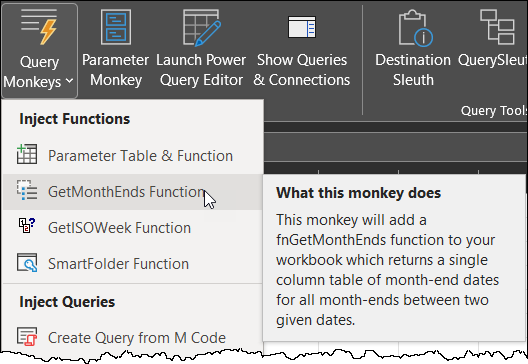
Article Overview A common task for financial professionals is allocating payments over multiple days or months. In fact, if you’ve read Chapter 18 of Master Your Data with Excel and Power BI, you’ll see that the creation of a function called fnGetMonthEnds is essential in some of the recipes. Of course, you can always do […]
Parameter Table and Function
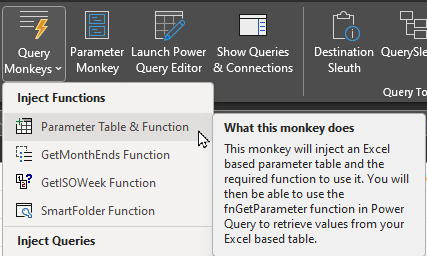
Article Overview If you’re a fan of the fnGetParameter function (as per Chapter 17 of my Master Your Data book), you’ll love this Monkey. With just a click, it will insert the Parameter Table and fnGetParameter function into your workbook. It even places the Excel File Path formula in the cell for you! In this article, we’ll explore exactly […]
Uninstall Monkey Tools
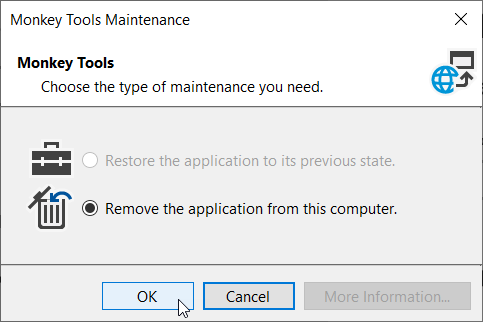
Uninstall Process Overview Should you need to remove Monkey Tools from your computer, you need to take the following steps: Close Excel Uninstall Monkey Tools Wait for the confirmation message We have enclosed steps specific to Windows 10 and Windows 11 below for your use. Important Note Uninstalling Monkey Tools does not remove your license […]
Managing Your Subscription

Article Overview One of the things that frustrates us as software users is when it is hard to figure out how to cancel, change or update your subscription or payment information. We’re hoping that this article will help make this process clear and seamless for you. Specific topics we will look at here include: Accessing […]